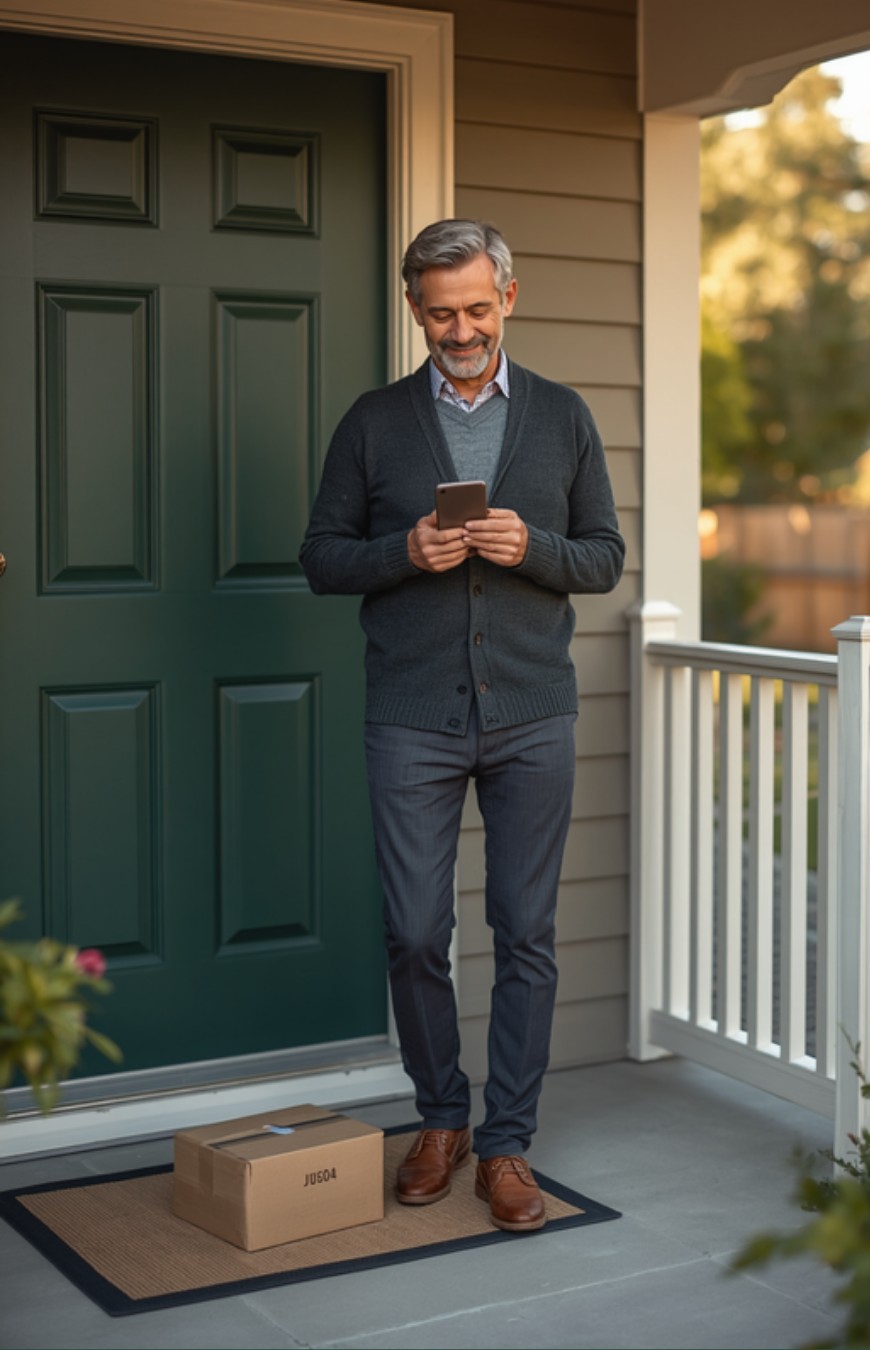
The most effective way to protect a parent’s packages from porch pirates costs nothing: turn on the free delivery alerts and delivery instructions that USPS, Amazon, UPS, and FedEx already offer, before spending a dollar on a camera or a lockbox. Package theft is a real, common risk, especially once holiday shopping means more boxes sitting exposed on the porch for longer. Thieves stole $8.2 billion worth of online orders over the past year, per Security.org’s 2025 Package Theft Report, and 9 million Americans had a package stolen in just the three months before that survey was taken.
Here’s what the scarier headlines skip: this isn’t getting worse. The most recent year-over-year data actually shows the number of stolen packages going down, not up. A few free habits, and one reasonably priced device if you still want one, are usually enough – no need to turn your parent’s front step into a security checkpoint.
Gleemo isn’t a security company – this is prevention guidance, not a security guarantee. Never confront a suspected thief – report it instead. Prices, models, and subscription terms change; confirm current pricing and availability before buying, and use a professional installer for anything that requires drilling.
The Real Numbers Behind Porch Piracy (and Why It’s Not “Peaking” for 2026)
One in four Americans – about 64 million people – has had a package stolen at some point in their lives, per Security.org’s survey. That’s a lifetime figure, not a count of what happened this year. The more useful number for today’s risk: 9 million adults reported a stolen package in just the three months before the October 2025 survey.
You’ll see bigger dollar and package-count estimates elsewhere. One of the most widely cited industry reports on this topic is financially sponsored by a home-security camera company, so we’re sticking with Security.org’s independently fielded survey here.
The most recent year-over-year tracking shows theft volume declining, not climbing toward some 2026 peak. Dollar losses stay large mostly because average package values and online shopping keep rising, not because more porches are getting hit. Porch piracy is a real, seasonal risk worth an hour of low-cost prevention before the holidays – not an emergency, and not a reason to overspend.
Start Free: How to Protect a Parent’s Packages Without Buying Anything
Before any device, turn these on. Most parents have never touched them, and none require drilling or a monthly bill.

- USPS Informed Delivery. Free. Shows scheduled incoming packages and mail scans through a daily digest, dashboard, or app. Sign-up requires identity verification, so allow a few extra minutes.
- Amazon delivery instructions and Amazon Locker. Free. In the Amazon Shopping app, set a delivery preference (Doorstep or In-Garage) and add photo-based instructions for exactly where a driver should leave a box – or route deliveries to one of Amazon’s 25,000-plus free Lockers, with a 3-day pickup window before an unclaimed package is returned and refunded.
- UPS My Choice. Free to sign up, and free for the core features that matter: delivery alerts and instructions left for the driver.
- FedEx Delivery Manager. Free to sign up, and free for core tracking alerts and delivery instructions. Some advanced scheduling options are a paid add-on, but the basics are free.
- Ask for a signature on anything valuable. Many retailers let you request signature-required delivery at checkout, so a box never sits unattended.
- Ask a neighbor. A standing “grab my box if I’m out” arrangement is free and instant – no app, no battery, no setup.
When Gear Is Worth It: Video Doorbells, Lockboxes, and Smart Locks Compared
If your parent gets a lot of deliveries, lives alone, or you simply want peace of mind seeing a box arrive, a device can be worth it. Here’s how the honest options compare.

| Option | Price (as of Sept 2026) | Monthly fee | Setup | Best for |
|---|---|---|---|---|
| eufy Video Doorbell E340 | $149.99 | $0 required (optional cloud upgrade) | Battery, no drilling | A parent who wants to own the camera outright, with no bill ever |
| Ring Battery Doorbell (2K to 4K Pro) | $79.99-$249.99 | Free live view and alerts; recording and event history need a paid Ring Protect plan, roughly $5-$20/mo depending on the plan | Battery or wired; battery models need no drilling | A parent who’s fine paying a bit for recorded history and more model options |
| SimpliSafe camera and monitoring | Equipment from roughly $125-$250 | Camera recording needs at least $9.99/mo; professional monitoring runs roughly $22.99-$79.99/mo | Moderate – more of a whole-home security system than a single porch cam | A parent who wants full monitored home security, not just package alerts |
| Yale Smart Delivery Box | $279.99 direct from Yale, but out of stock as of this writing – check availability first | $0 | Requires installation and anchoring | A parent who wants packages locked away rather than filmed, if you can find one in stock |
| A plain lockbox, motion light, or smart lock | Prices vary by category; a basic motion-sensor porch light generally runs $20-$60 | Usually $0 | Easiest – no app required | A parent who doesn’t want a phone app at all |
Prices as of September 2026 – confirm current pricing and availability directly on each company’s own site before buying. Ring’s exact Ring Protect plan names and prices have already changed more than once this year, so treat that range as a starting point. SimpliSafe cameras will not record video without that $9.99/mo minimum plan. The Yale Smart Delivery Box was out of stock direct from the manufacturer as of this writing.
Two flags worth repeating: eufy’s E340 is the only product here that’s genuinely subscription-free. Ring and SimpliSafe both sell the hardware with no contract, but neither camera records without a paid plan – a Ring Protect subscription for Ring, $9.99/mo minimum for SimpliSafe. The honest price is the hardware plus whatever plan you’d actually use, not the sticker price alone.
Renter Parent vs. Owner Parent: What Changes
A parent who owns their home can hardwire a doorbell, bolt down a lockbox, or add a smart lock without asking anyone’s permission. A parent who rents usually can’t drill into siding, decking, or a shared entry without a landlord’s sign-off.
For a renting parent, stick to no-drill options: a battery-powered doorbell (the eufy or a battery Ring model) that mounts with adhesive or a bracket, and a portable lockbox that isn’t anchored to anything. Both can move with them if they relocate.
For a parent in an apartment or condo with a shared building entry, video doorbells and lockboxes mostly don’t apply – there’s no private porch to protect. The free carrier tools matter even more here: Informed Delivery, hold-for-pickup lockers, and delivery instructions routed to a leasing office or front desk are the real fix, not a gadget.
Setting It Up for a Parent Who Lives Alone, Without a Monthly Bill She’ll Resent
Start with the free layer only, and give it a season before adding anything else: Informed Delivery, whichever carrier account she uses most, and Amazon delivery instructions if she shops there. That alone catches most of what goes wrong.
If she’s comfortable with a phone app and you want one device, pick the one she’ll actually own outright rather than the flashiest option in a store display. That’s the honest case for the eufy doorbell: no monthly bill to remember, cancel, or get frustrated by later.
If she’s not comfortable with a smartphone app at all, don’t force one on her for your own peace of mind. The free carrier tools plus a plain, non-smart lockbox, or a standing arrangement with a neighbor, genuinely solve the problem – a subscription app she never opens helps no one.
What Not to Do When a Package Goes Missing
Don’t confront a suspected thief. It’s not worth the risk to your parent or to you – report it instead.
If a package does go missing, this order works:
- Confirm the delivery status and gather proof: a screenshot of the tracking page marked “delivered,” the order number, date and time, and a photo of the empty spot.
- Contact the retailer first – most handle stolen-package claims directly and often replace or refund faster than the carrier.
- If the retailer won’t help, file a claim with the carrier (USPS Missing Mail Search, or UPS/FedEx’s online claims process).
- File a police report for anything of real value – useful for insurance and pattern-tracking, not usually necessary for a $20 item.
- Treat homeowners or renters insurance as a last resort, not a first move.
That last point deserves an explanation. A stolen package is technically covered as theft of personal property under most homeowners and renters policies, but the math rarely works out: the average deductible runs around $1,000, and 67% of stolen packages are worth $100 or less. Filing a claim for one low-value package usually costs more in a higher future premium than the package was worth. Coverage varies by policy, so check with your parent’s insurer rather than assuming either way.
One more: don’t sign a parent up for a professional monitoring plan she’ll never use. Those plans run roughly $22.99 to $79.99 a month and make sense for someone who wants full monitored home security. If what she actually wants is “let me know when a box shows up,” the free tools plus one no-subscription camera already does that.
Frequently Asked Questions
Is porch piracy actually getting worse in 2026?
No. The most recent year-over-year data shows the number of stolen packages declining, not climbing. It’s still a real, common holiday-season risk worth an hour of prevention – just not an escalating crisis.
What’s the best video doorbell for a parent who doesn’t want a subscription?
The eufy Video Doorbell E340 ($149.99) is the clearest subscription-free option here – recordings save to local storage at no required ongoing cost, with an optional cloud upgrade if you ever want one.
Does a Ring doorbell require a monthly fee?
Live view, two-way talk, and motion alerts are free. Recording video and reviewing event history require a paid Ring Protect plan, roughly $5 to $20 a month – confirm the exact current plan and price at ring.com before subscribing, since Ring has changed its pricing more than once this year.
Is a package lockbox worth it for an elderly parent?
Depends where they live. For a homeowner with a lot of deliveries, a bolted-down lockbox is a solid option. For a renter or someone with a shared entry, the free carrier tools do more of the real work, since there’s often no private porch to lock a box onto.
What should I do if my parent’s package is stolen?
Screenshot the “delivered” tracking status, contact the retailer first, file a carrier claim if the retailer won’t help, and file a police report for anything of real value. Treat insurance as a last resort – the deductible usually exceeds what one package is worth.
Does homeowners insurance cover a stolen package?
Technically yes, as theft of personal property – but it’s rarely worth filing a claim for a single package, since the average deductible (around $1,000) usually exceeds its value, and a claim can raise future premiums. Check your parent’s specific policy rather than assuming either way.
Not sure which one fits your parent’s porch? Start with the free carrier settings today, and use the comparison above to pick a device only if you still need one. If you’re working through a parent’s broader home-safety checklist, see our guides to grab bars for a parent’s bathroom and pill organizers for a parent on multiple medications as the next layers. The full guide is at gleemo.org.
